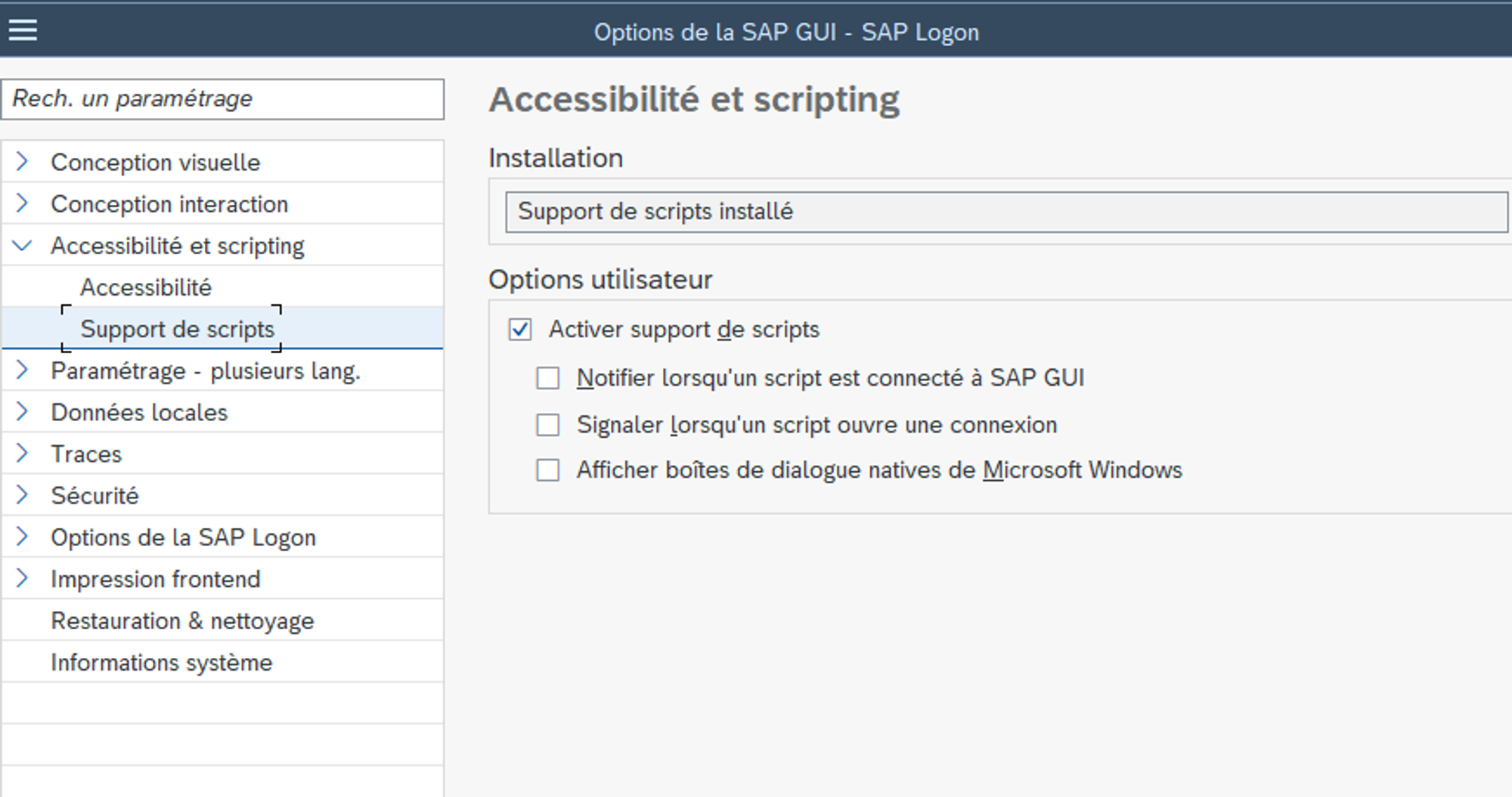
Activating SAP automation
There are two things to do to activate scripting, first on the server side and then on the client side.
Server side in SAP
RZ11 transaction:
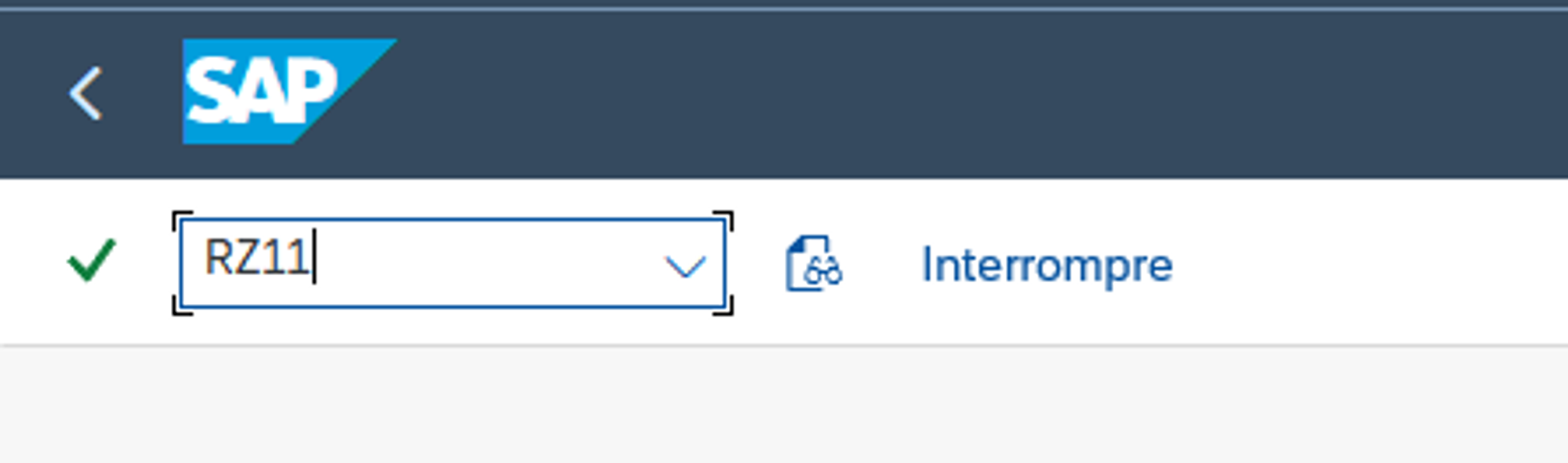
Enter the “sapgui/user_scripting” parameter
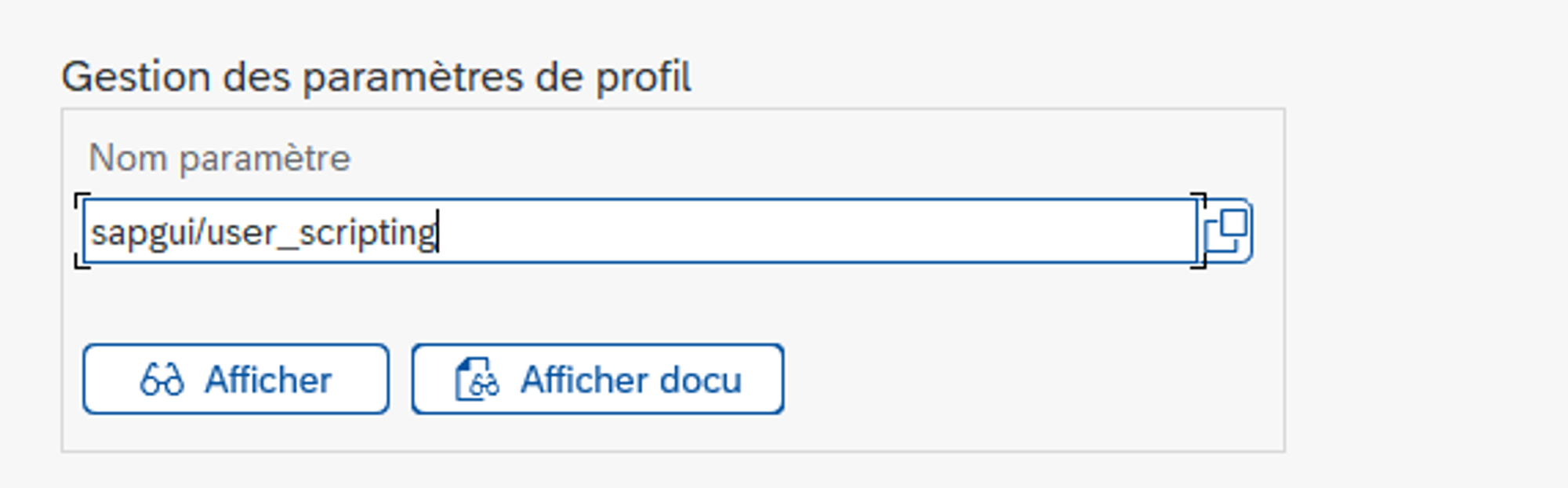
Click on ”Display”.
When the following screen appears, click on “Modif. Val.”

Then enter “TRUE” to activate the scripting.
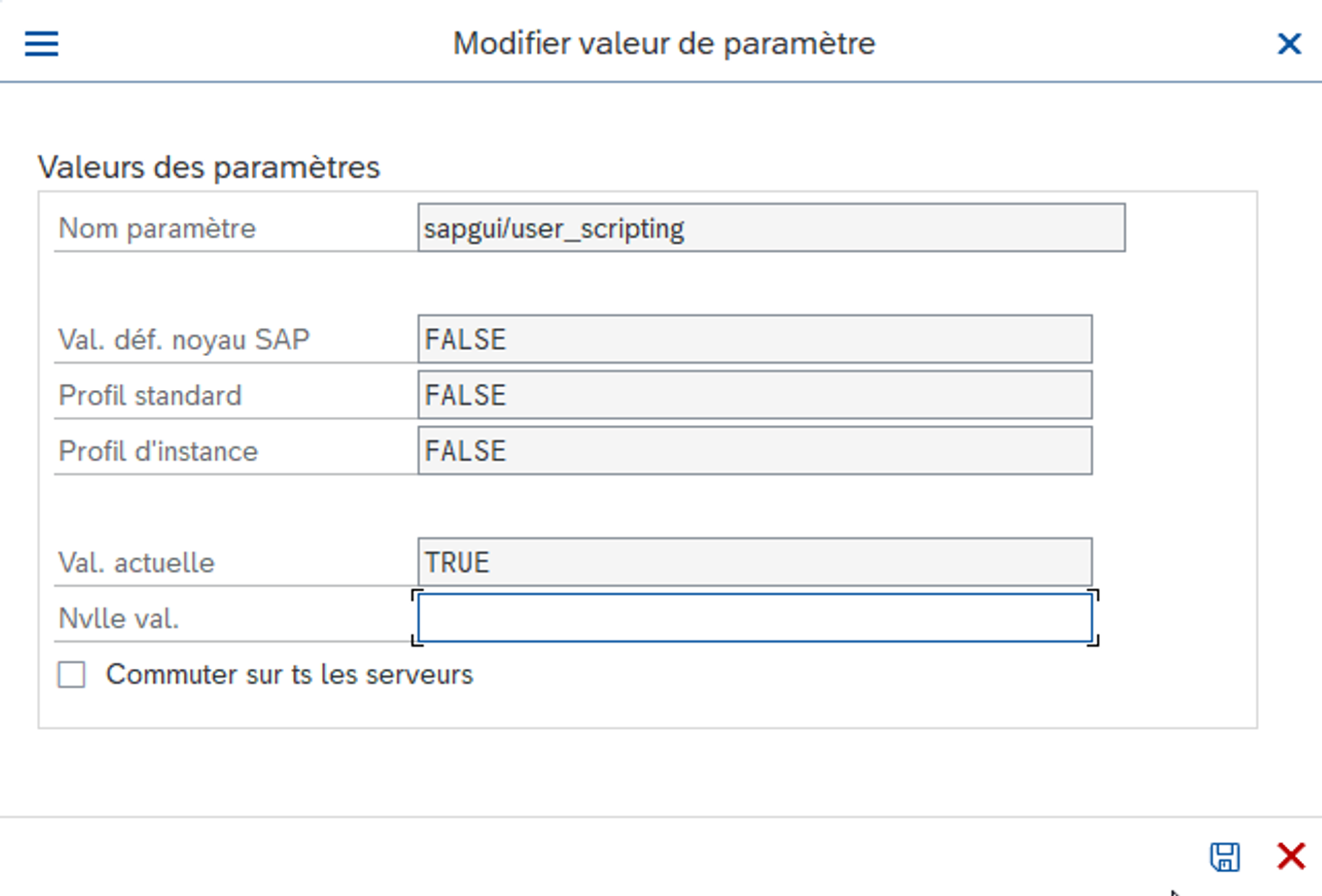
Normally, this operation does not require the instance to be restarted.
Finally, click on the save button.
Customer side, on the SAPGUI
This configuration is necessary to avoid popups at each launch.
Click on the “Options” menu
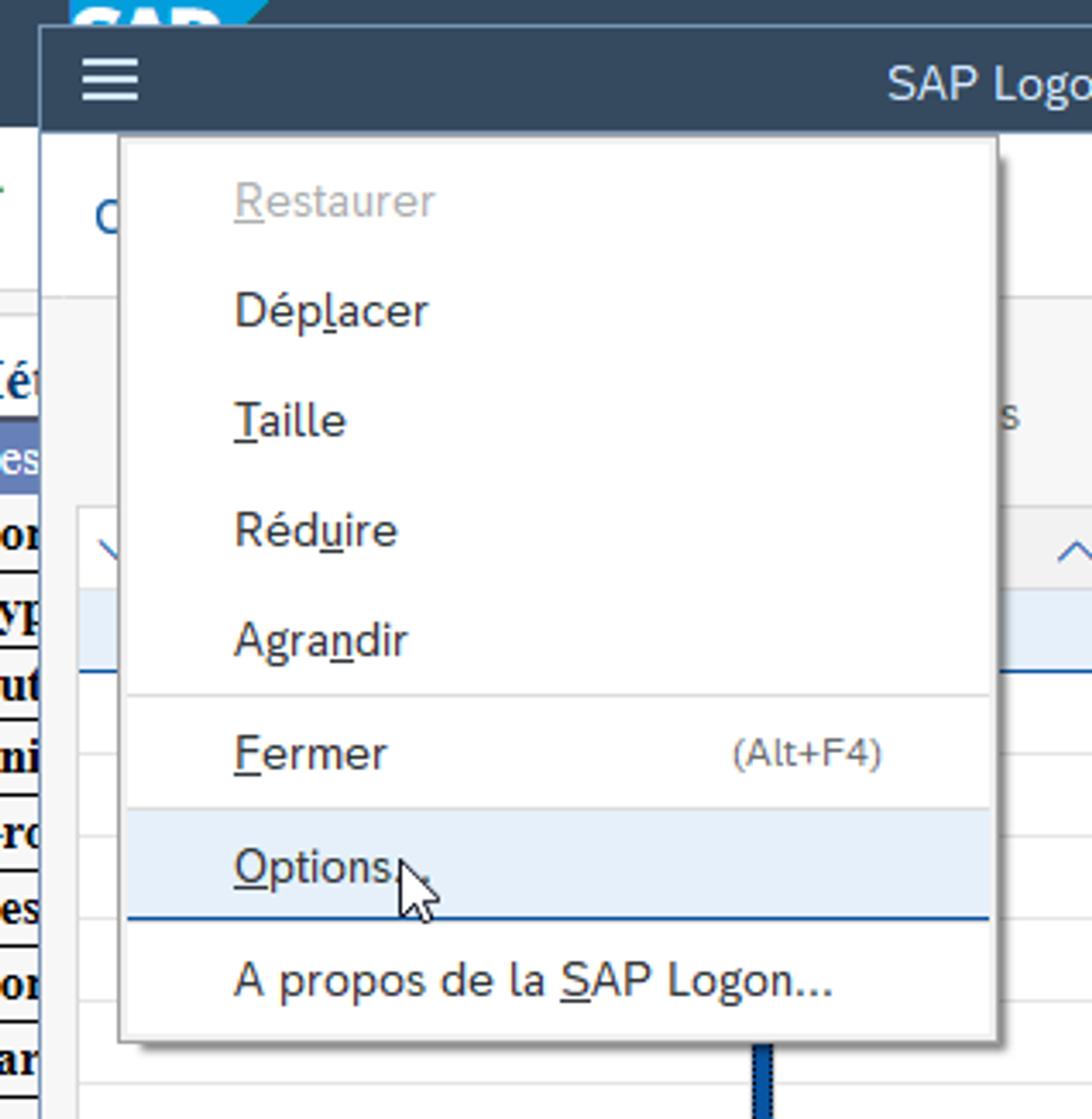
Then in “Script support”, check “Enable script support”.